About
Technologies Used
- Skinned mesh animation (for the stick figure)
- Assimp for model loading
- Spline-based animation for camera and light cycles
- Light trail implementation using glBufferSubData()
- Shader programs for derezolution and lighting
- Skybox implementation
Further Explanation
For my final project, I wanted to create an animation that was inspired by Tron and this video, which is a compilation of the top 100 submissions to the online Endless Engines 3D render challenge.
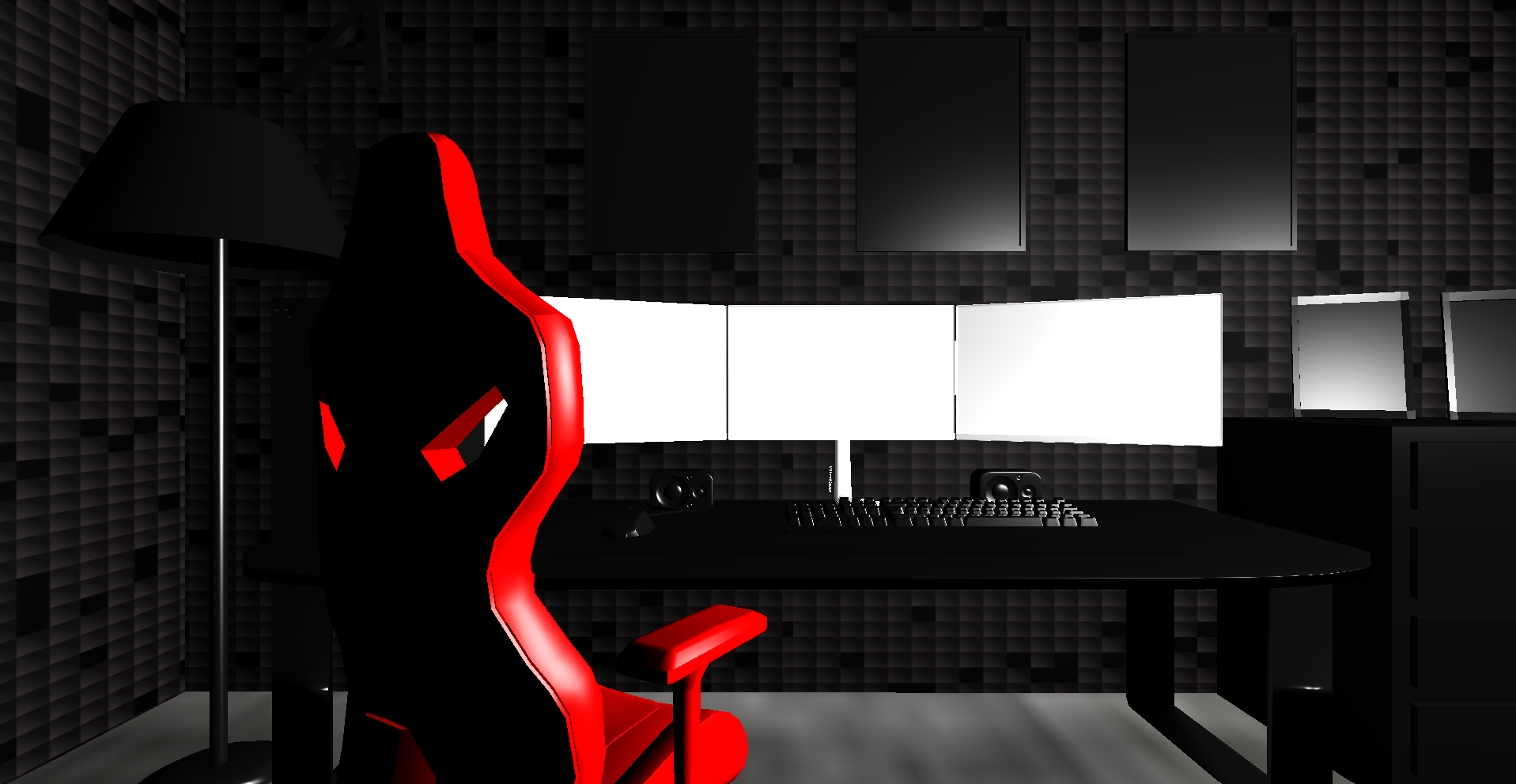
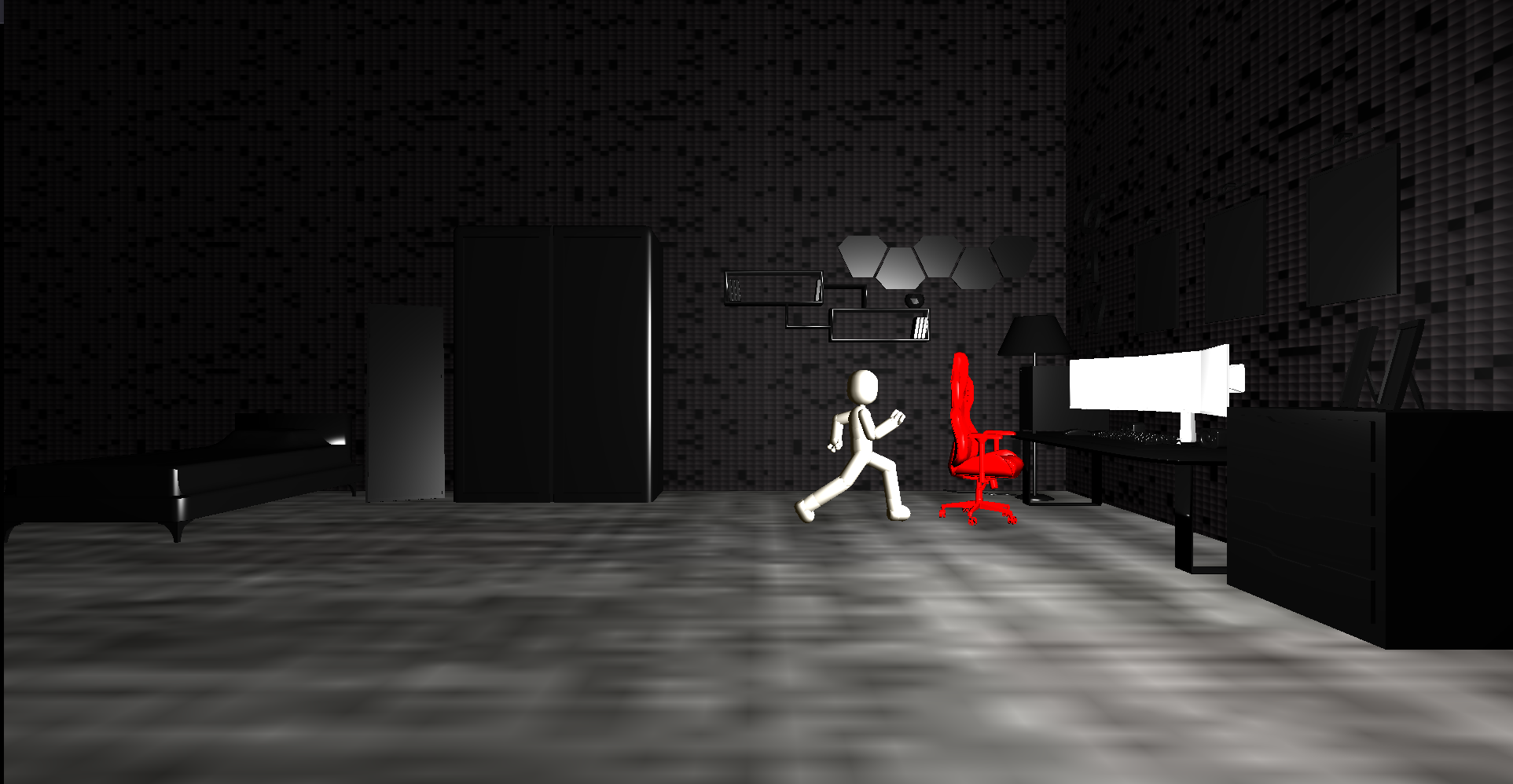
The scene starts with the view looking at a gaming bedroom. When a specific key is pressed to start the first animation, there is a model of a person that is rigged, loaded, and animated with Assimp. The person will start to run to the computer desktop and will jump into the screen, which will then rotate the view and move it into the screen which will trigger the next scene.
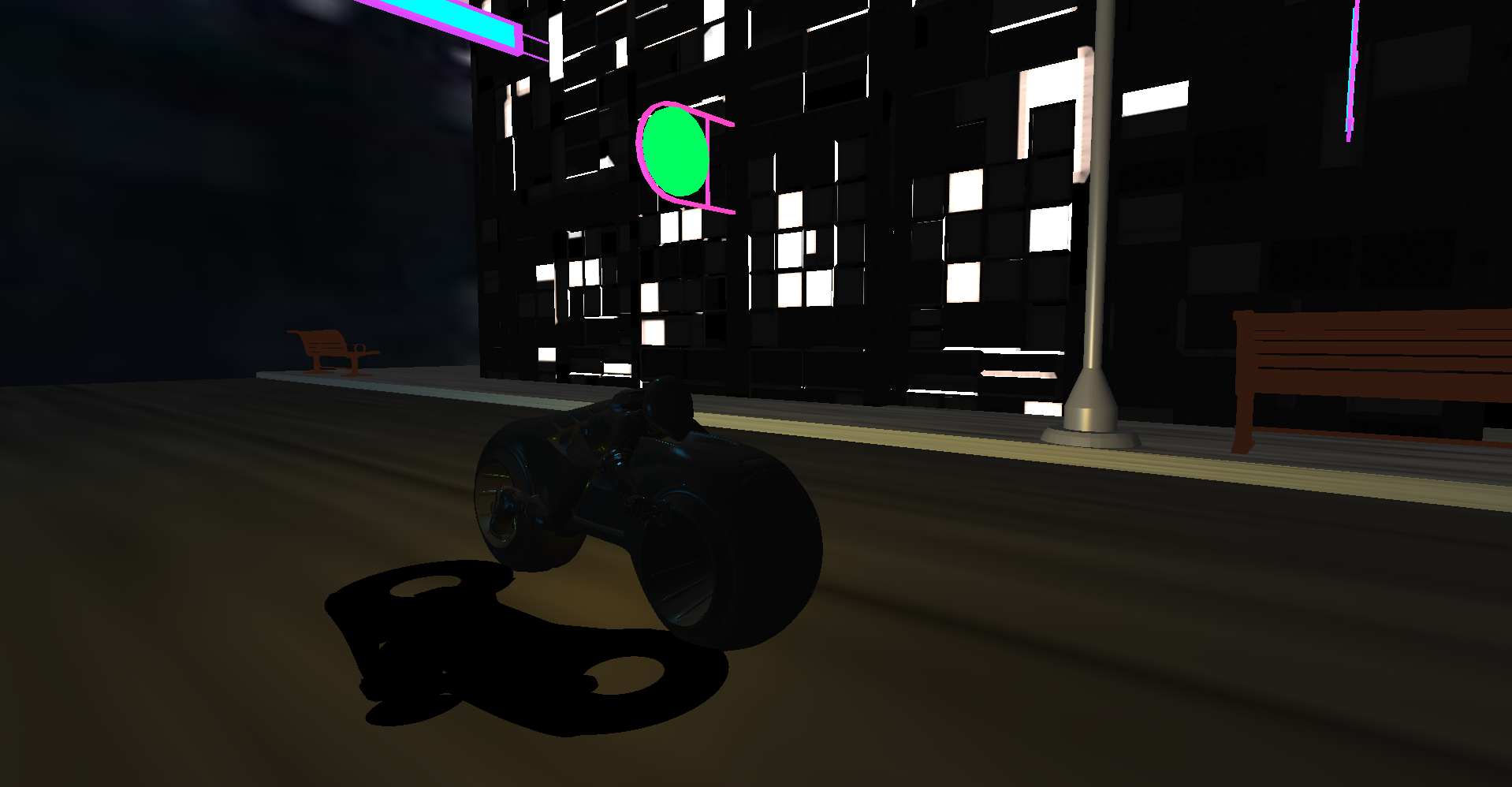
In this next scene, the camera will be looking at a model of a person on a tron cycle. When the next specific key is pressed, it will also start another animation. The animation is centered around a chase between the orange tron cycle and the blue tron cycle. For animating the positions of the tron cycle and the camera, I used multiple spline bezier curves, which made defining segments of the animation a little easier to control. Additionally, I animated the moving direction of each cycle which will always be pointing in the next position defined in the interpolation of the spline bezier curves. This gives the models the ability to be animated in the correct direction of travel to have a more natural motion. I also implemented a leaning feature for the tron cycles during some parts of the animation, especially when they move side to side or when the blue and orange cycles are against each other.
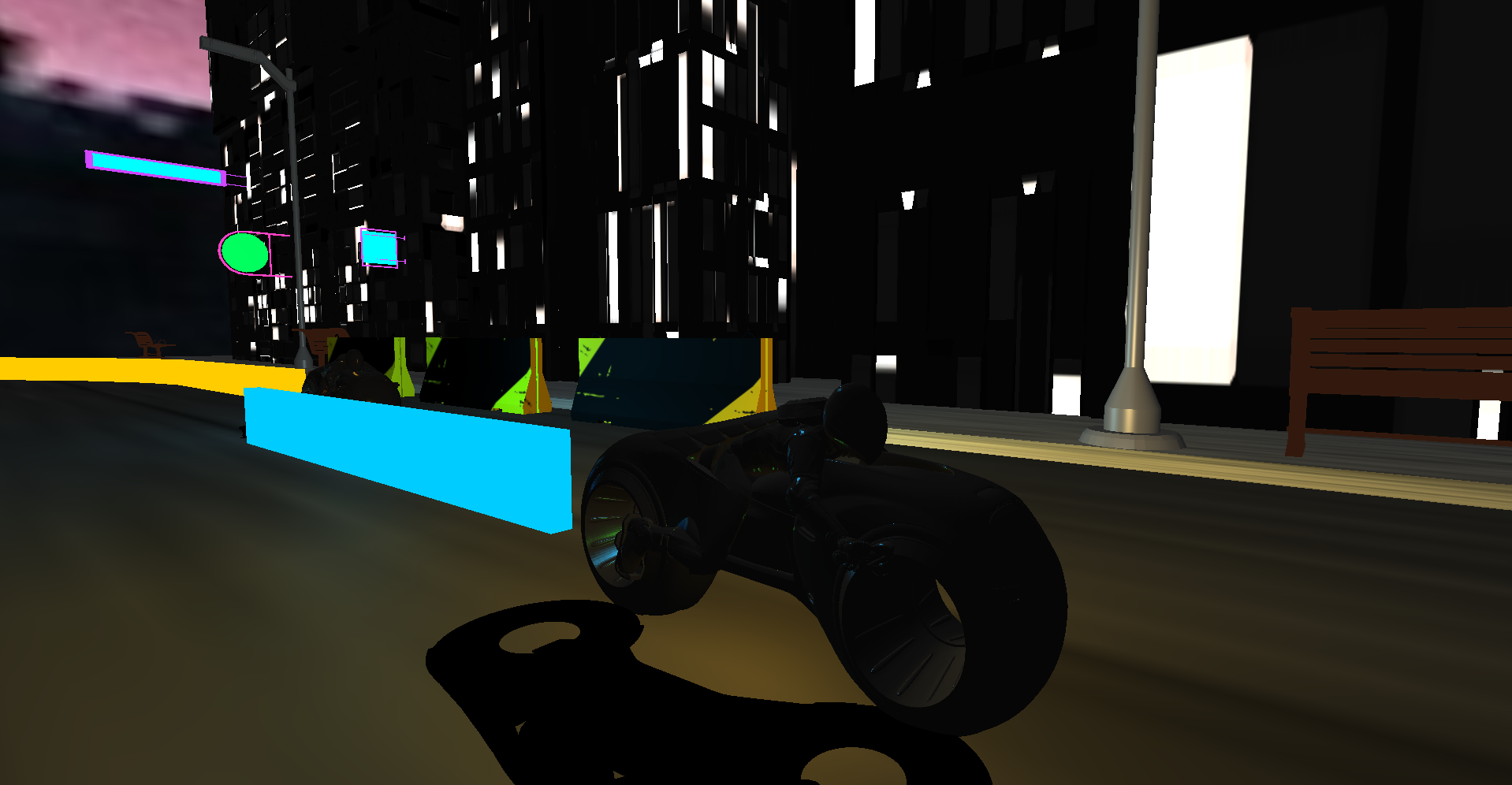
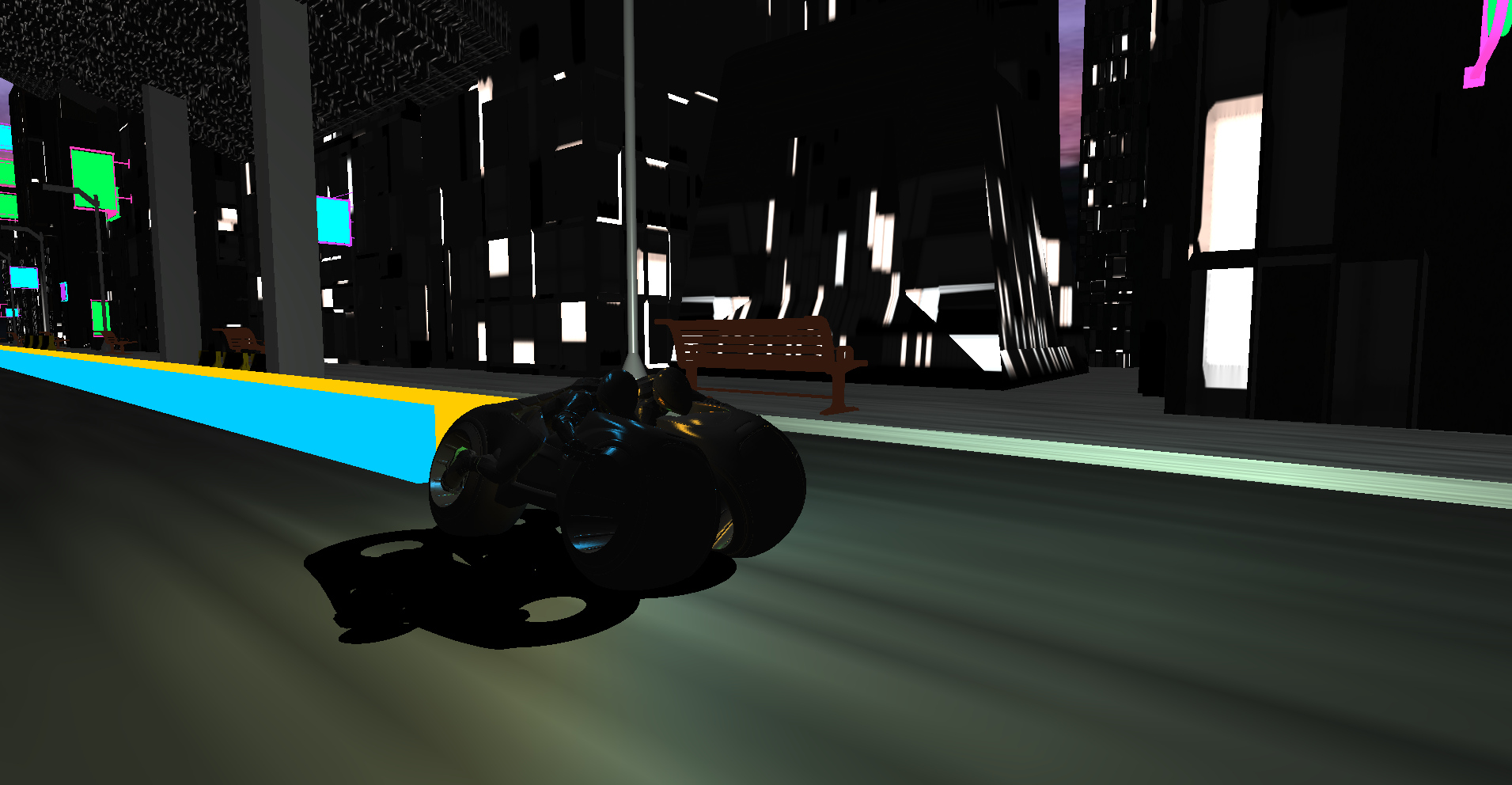
For the light trails, I initially tried to use particles that would continuously shoot out from the back of the tron cycles, but the animation kept freezing with the particles. So, I found another way to implement the light cycles, which involved manually defining a rectangular object and using glBufferSubData() to continually extend the trail. I also added a feature in this implementation of the light trail to calculate the direction if the trail/tron cycle ever moves in a different direction.
If you have never seen tron before, basically when light beam from the cycle is collided with something that has light, in this case the orange cycle and the blue light trail, the object will be "deleted" or what they call as "derez".
So, close to the end of the tron animation, at some point, the blue tron cycle will get ahead of the orange tron cycle and cause the orange tron cycle to collide with the blue trail. My collision detection is simple in this case since I did the animation in parts due to the bezier curves. So all I check is whether the orange tron cycle's max bounding box position is in range of the defined point I planned out with the bezier curves.
After this collision, the orange tron cycle will start to be "derezed". For the derezolution of the orange tron cycle after hitting the blue trail, I start to discard some of the colors of the orange tron cycle in the fragment shader, until they are eventually all gone.
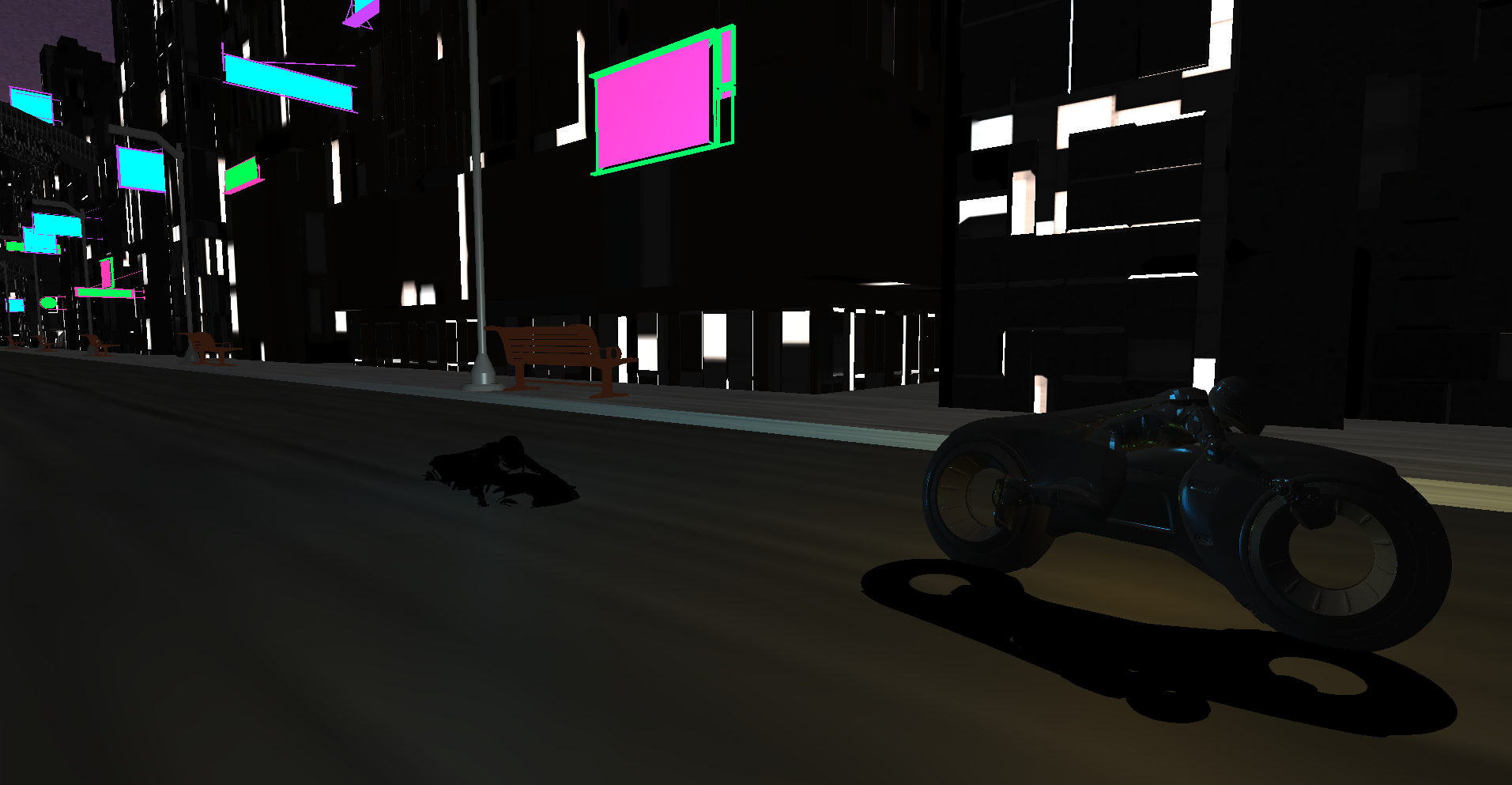
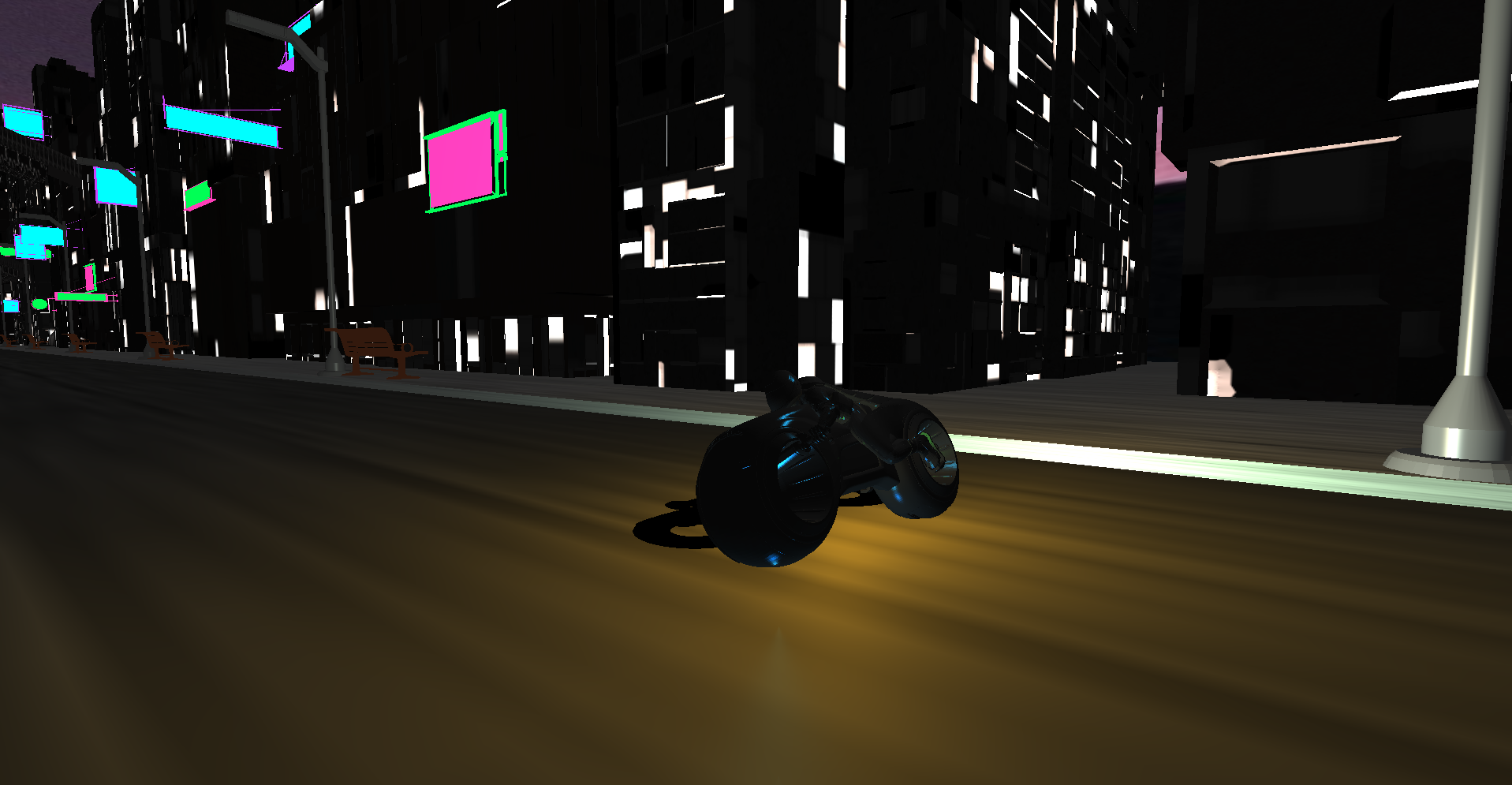
After the "derez" of the orange cycle, I tried to pay homage to the "Akira slide" by having the blue tron cycle stop its movement by reenacting the slide, which would signal the end of the whole tron animation.
Resources
- learnopengl.com - Followed their Assimp tutorial
- Assimp - Was less difficult to implement thanks to the learnopengl tutorial